
Printer and connection
- Automatic card feeder
- Single-sided or automatic double-sided printing
- USB and, depending on model, Ethernet/network
- Option for relevant encoding modules
A professional solution must suit both the number of cards, users, and workflow.NORDANO assembles printers, software, cards, and any network or encoding features based on the way you actually work.
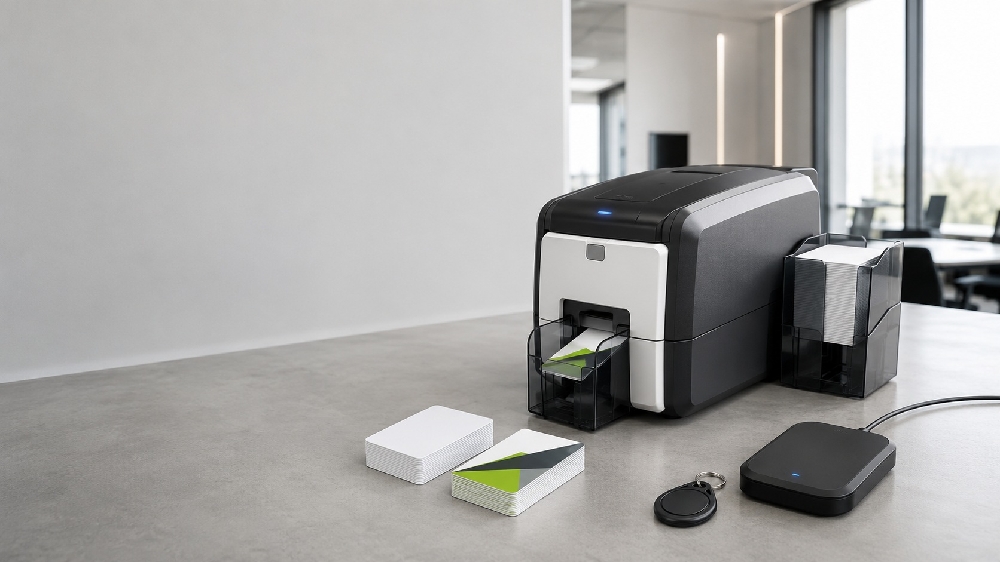
A card printer with automatic feeding can have a stack of cards ready and produce multiple cards without manual insertion.It is an advantage for HR, member administration, educational institutions, receptions, security departments, and others who issue cards on an ongoing basis.
Smart-31S is relevant for automatic single-sided production, while Smart-31D can automatically handle the front and back side.Pointman Nuvia N15 is an alternative with automatic feed and built-in network connectivity.
Choose the S model if single-sided printing or manual flipping is sufficient.Choose the D model if both the front and back need to be produced automatically in the same workflow.
Yes, but the correct setup depends on the printer connection, software version, licenses, and the location of the card data. This should be clarified before purchase.
Some models can be configured or expanded with magnetic, contact chip, or contactless encoding options. The exact compatibility must be checked for the model.
Send the five pieces of information to us.That's how we help you choose a printer, software, and accessories – and avoid missing a crucial feature later.